Case Study · WS Audiology · 2023 to 2026
Multi-brand design system
Design System Lead · iOS & Android · Supported 5 teams, 14 brands & white label app
A multi-brand hearing-care design system for WS Audiology. I pushed back on reusing the old skinning engine and built a three-layer token architecture that five engineering teams consumed across iOS and Android. Brand theming that took up to three days by hand dropped to under a day, and handoffs per feature went from two to one.

When WS Audiology set out to build a new hearing care app, engineering proposed reusing the skinning engine from the previous product, a code-only theming layer with no design counterpart. I pushed back and made the case for a proper token-based design system.
WS Audiology is one of the largest hearing-aid manufacturers globally, with 3 flagship brands plus 10+ private labels and a white-label channel. Every brand needed its own visual identity on top of a shared product, and five engineering teams needed a way to consume that without forking the codebase.
A skinning engine with no design counterpart
When the team decided to build a new app from scratch, engineering proposed reusing the skinning engine from the old product. It only ran in code. There was no design counterpart.
As designers, we couldn't see or shape brand changes, or predict how elements would combine across brands. Engineering wanted to keep the skinning engine because it was already built. We said no.
The new app needed to support
The system had to be designed and built while features were already in flight.
System designer
Sole system designer. Collaborated with feature designers, engineering, product, and brand teams across the full lifecycle.
- Token architecture
- Theming system
- Component specs
- RTL layout rules
- Accessibility annotation system
- Engineering handoff
- QA
- 5 engineering teams (iOS & Android native)
- Product and brand teams
- Token Studio to JSON to AzureDevOps pipeline (co-designed with engineering)
- Feature designers (component and token requests, scoping new additions to the system)
Saying no to the skinning engine
Engineering’s default was to reship the skinning engine. It already themed the old apps and was built, so reusing it was the path of least resistance.
But it themed in code only. No design-side source of truth, so every new brand meant another hand-built pass and a fresh round of QA to catch what drifted. That doesn’t scale across 3 flagship brands + 10+ private labels.
My counter-proposal was a token architecture: one semantic layer that design and code both read from, so a brand is expressed once and resolves everywhere.
Theming a new brand dropped from up to three days of hand-built variants to under a day. Handoffs per feature went from two to one.
Three layers, one source of truth
Built in Token Studio. Each layer has a specific job, and the separation is what makes the whole thing composable across brands without touching components.
| Layer | What it holds | Example |
|---|---|---|
| 01 | Core Brand-namespaced. Maps literal values (e.g. #7000FF) to brand identity. |
brand.blue.500 |
| 02 | Semantic Intent-based names. Decoupled from any specific brand. |
semantic.bg.accent.default |
| 03 | Component Component-scoped decisions. Final consumption layer. |
button.filled.primary.bg.enabled |
Three layers of abstraction · Literal values, semantic intent, component usage · Brand changes never touch component code
Token Studio to code
Token Studio exported tokens as structured JSON, synced via AzureDevOps and consumed directly by iOS and Android native codebases. Design and engineering agreed on naming conventions, file structure, and the sync pipeline from the start.
One component set supporting many brands
The system supports three tiers of brand specificity: main brands with full visual identities, private labels with brand colors and partial customisation, and a white label with no brand specificity at all. The same 25+ components render differently per brand, without duplicating component files.
| Token | Vanilla | Brand 1 | Brand 2 | Brand 3 |
|---|---|---|---|---|
| Primary color |
Blue
|
Red
|
Yellow
|
Teal
|
| Corner radius |
radius.2x · 8px
|
radius.999x · pill
|
radius.1x · 4px
|
radius.0x · 0px
|
| Typography | Noto Sans | Noto Sans | Noto Sans | Montserrat + Noto Sans |
| Mode | Light / Dark | Light / Dark | Dark only* | Light / Dark |
Same component set, four brand expressions · Primary color, corner radius and typography from token files alone
*I built light mode into the system, but a brand decision kept it from shipping. The token structure supports it; switching is a token file swap.
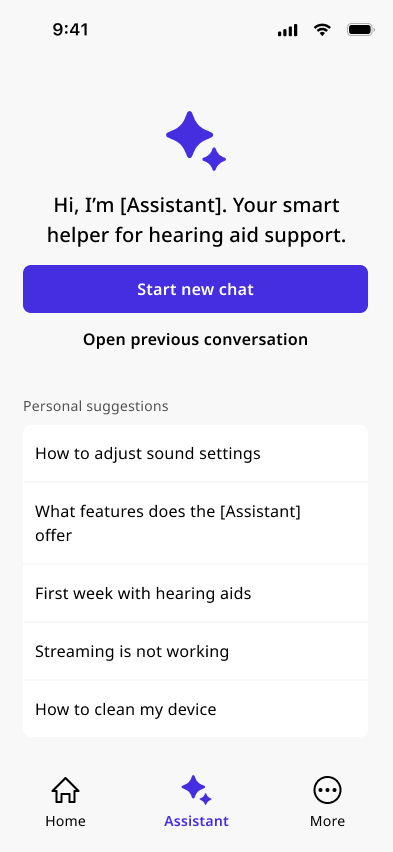
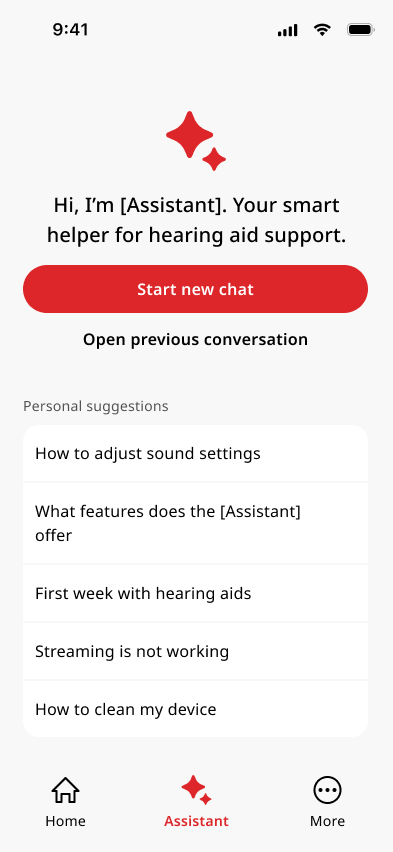
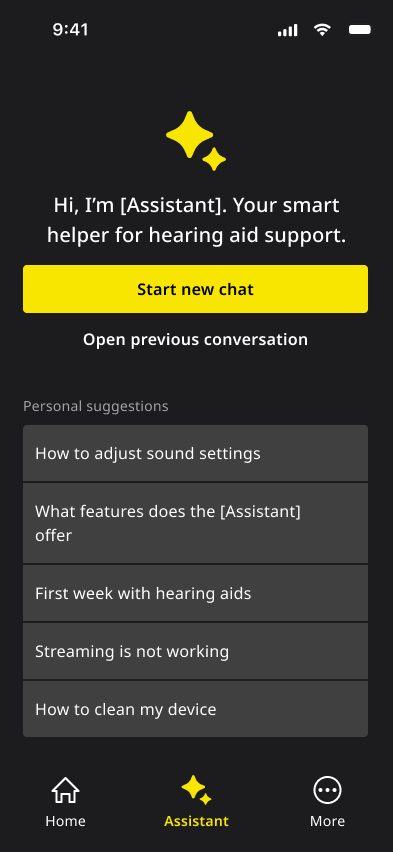
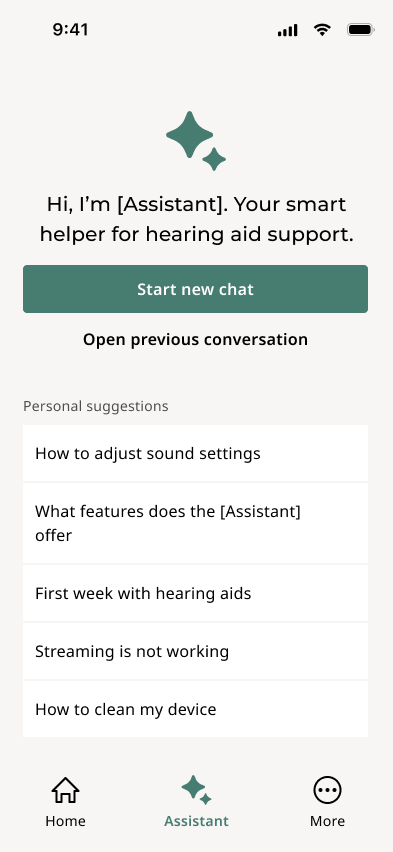
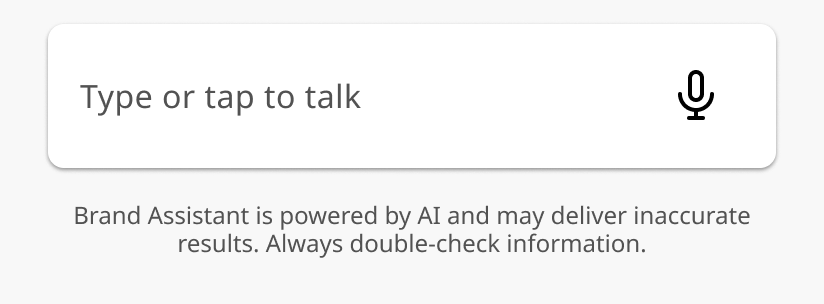
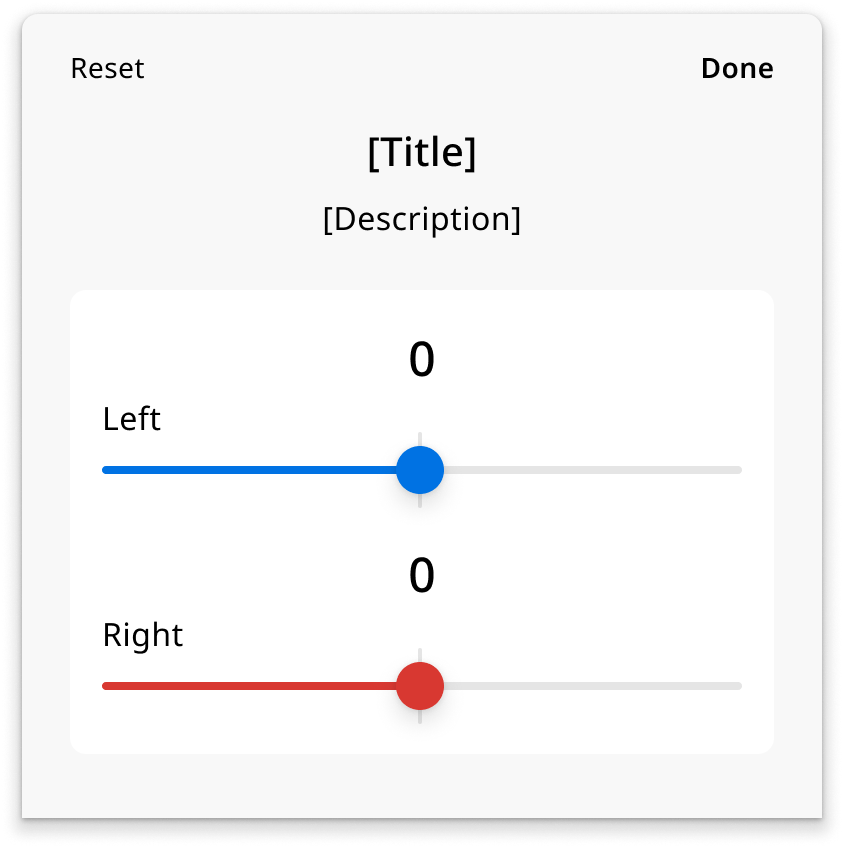
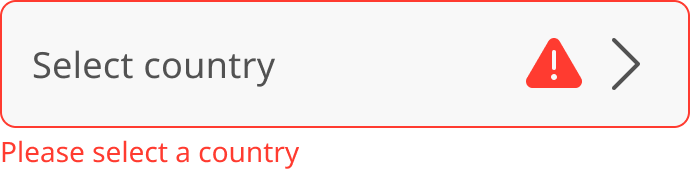
25+ components shipped to production
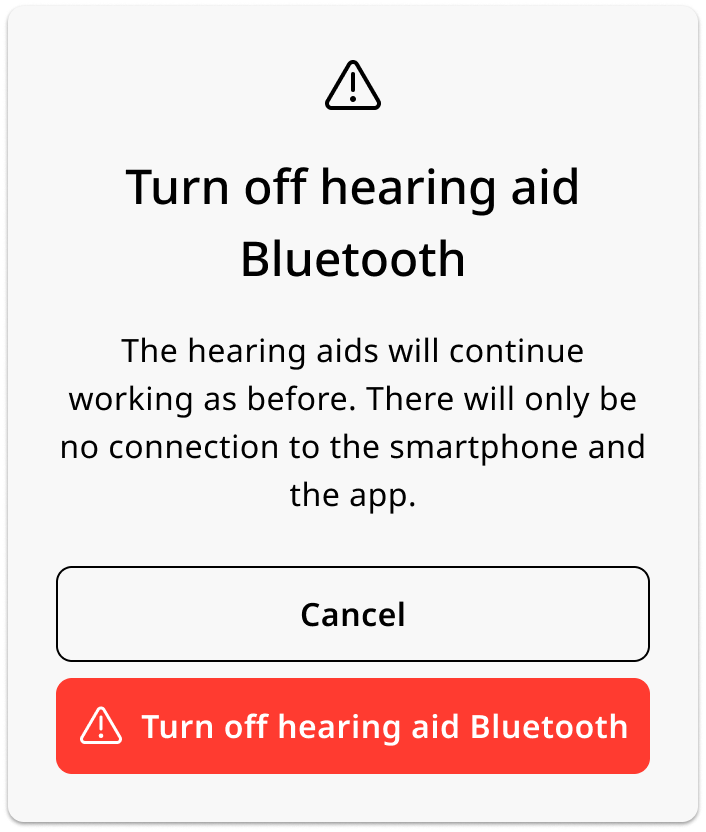
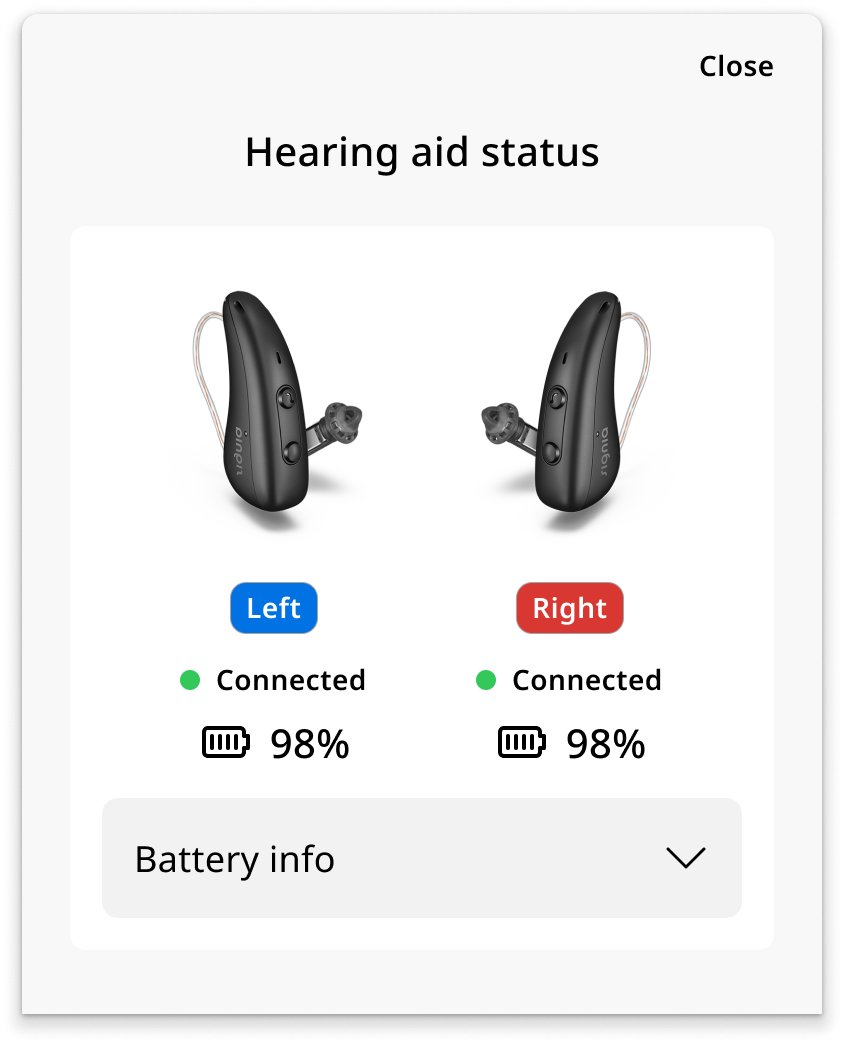
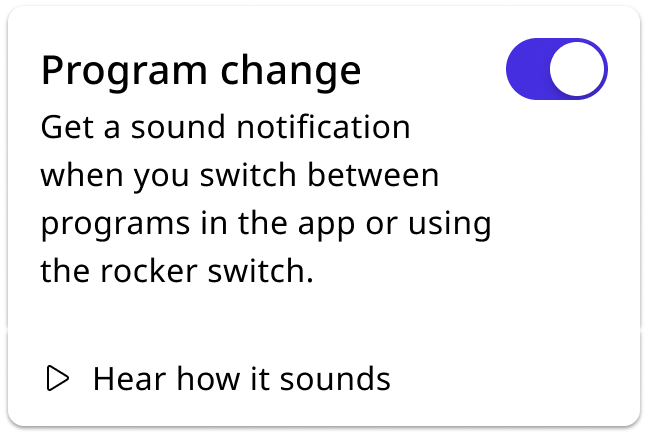
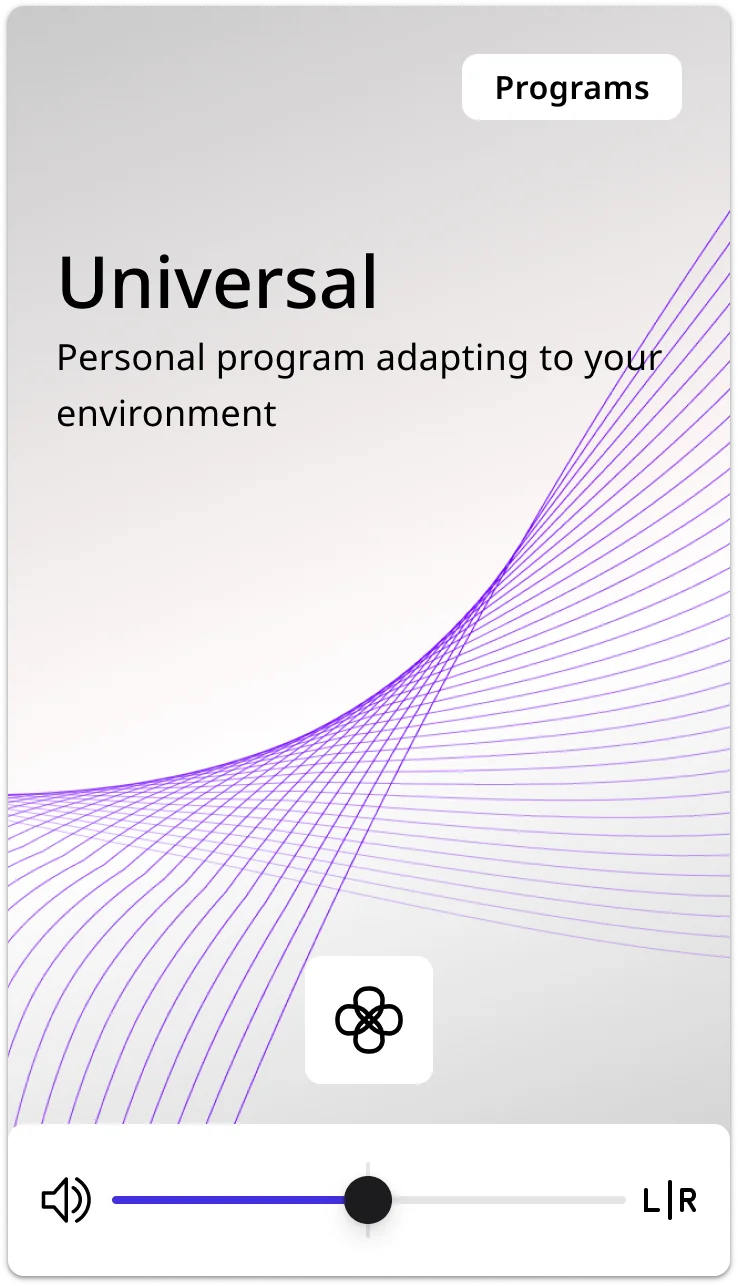
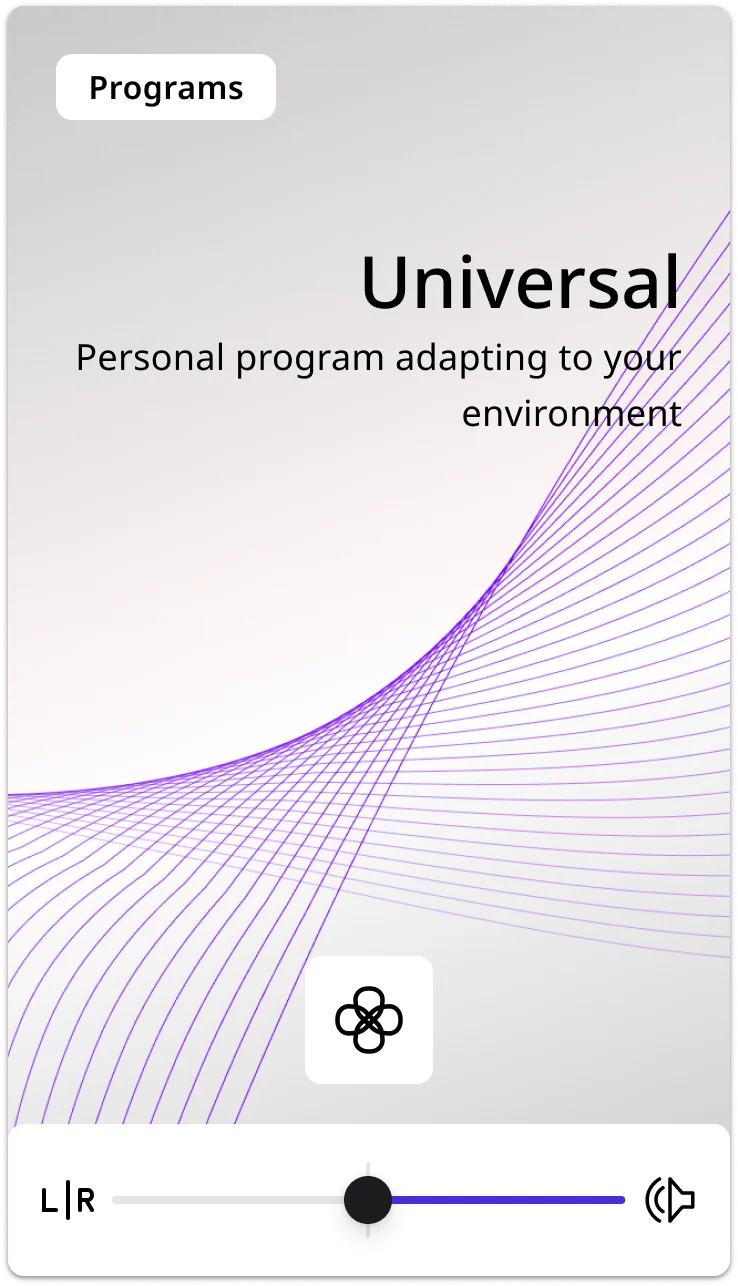
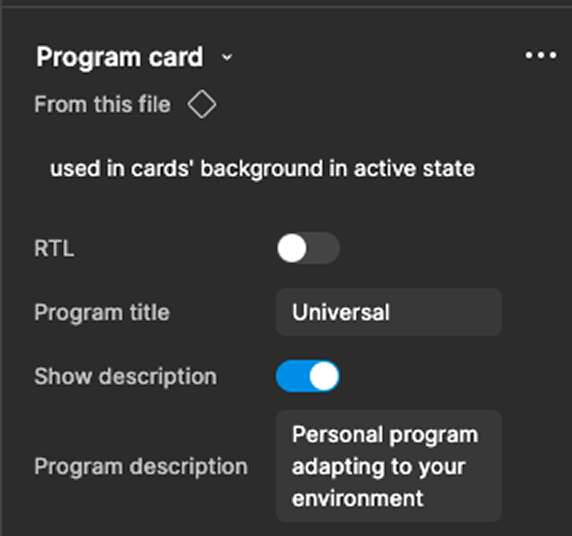
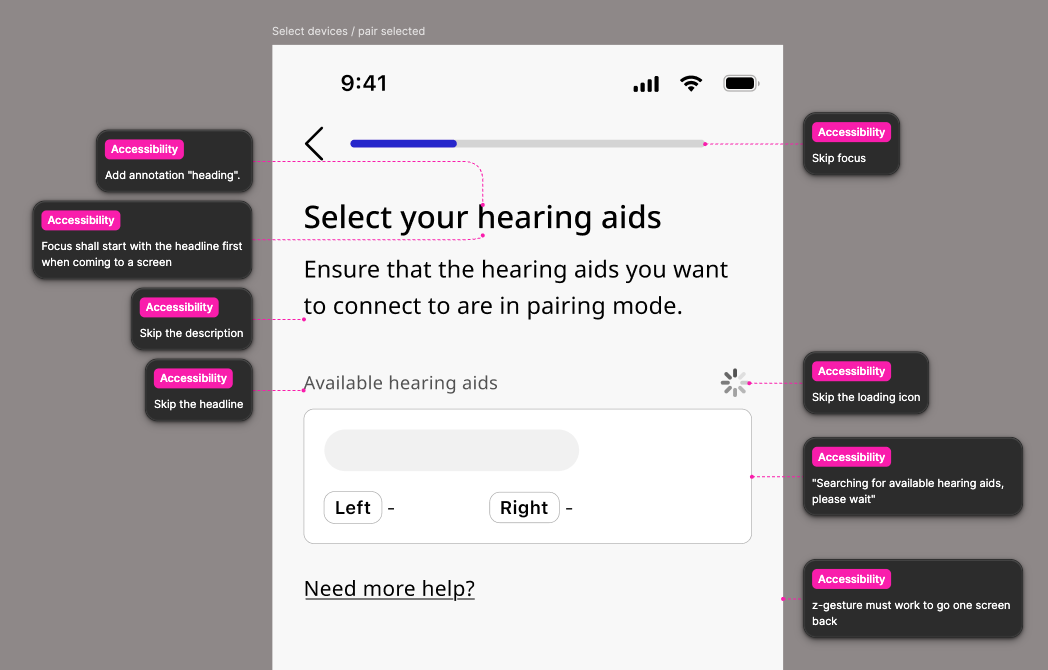
Every component connects directly to the component layer in the token system, specced with all states, properties, token annotations, iOS and Android variant notes, and VoiceOver and TalkBack read-order annotations.
A few worth calling out:
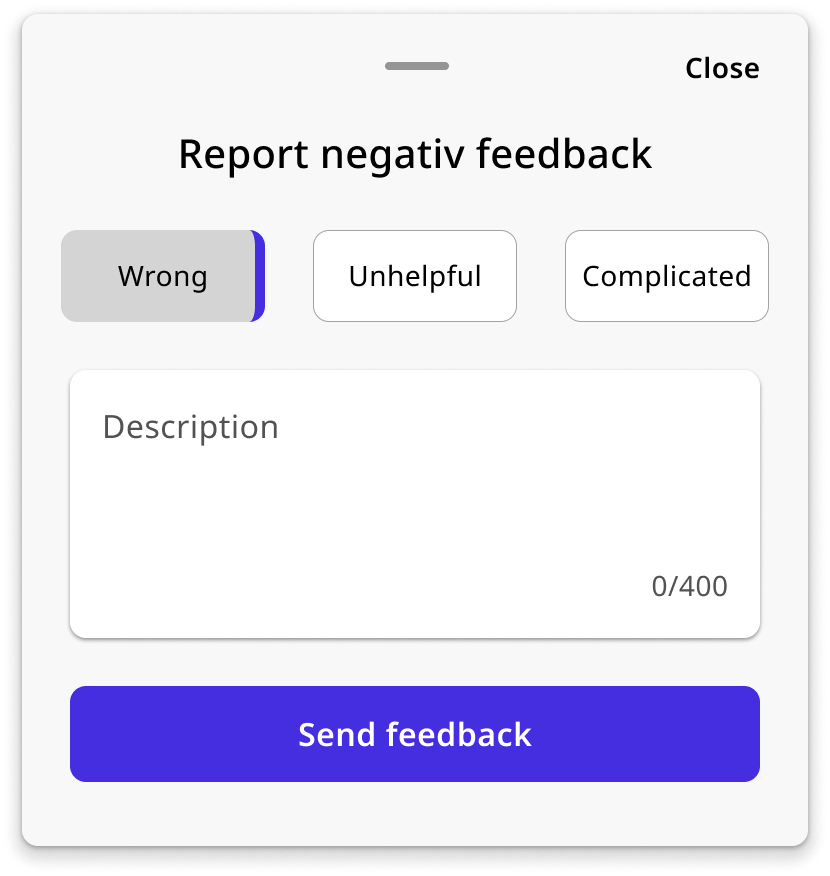
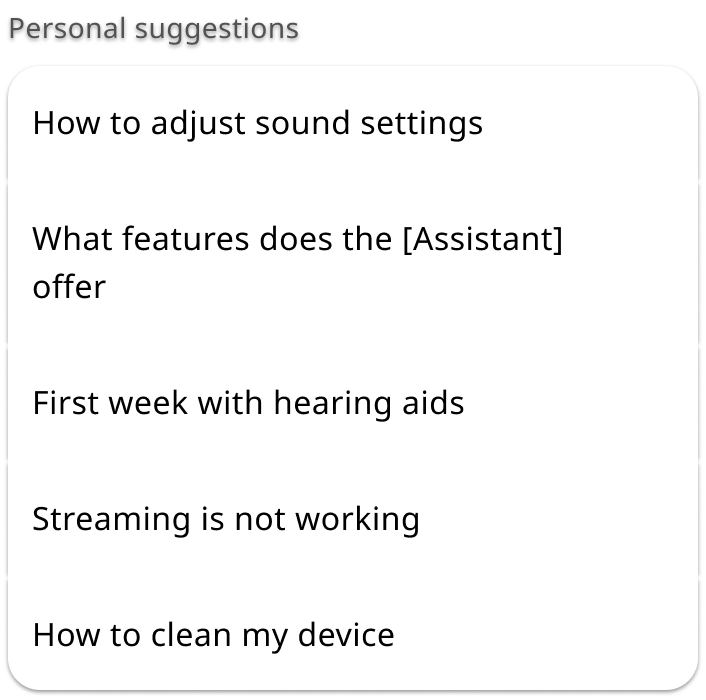
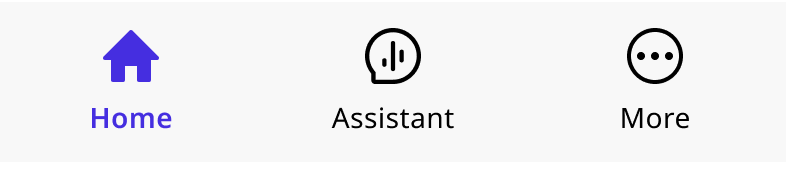

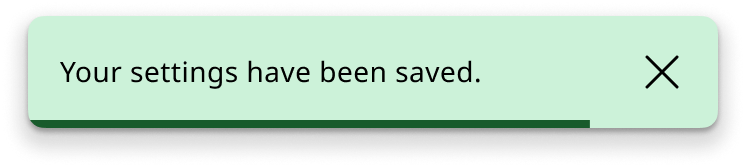
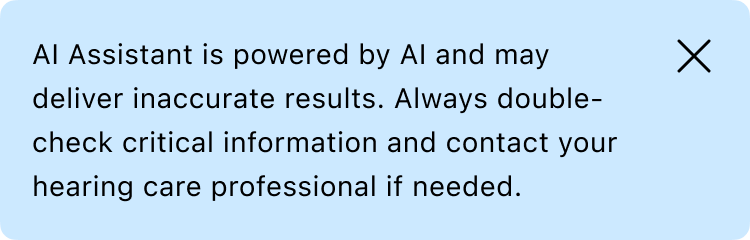
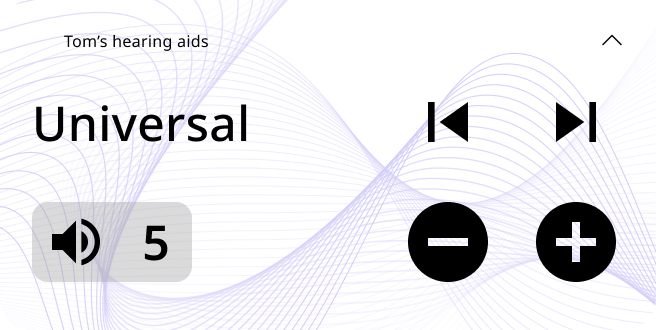

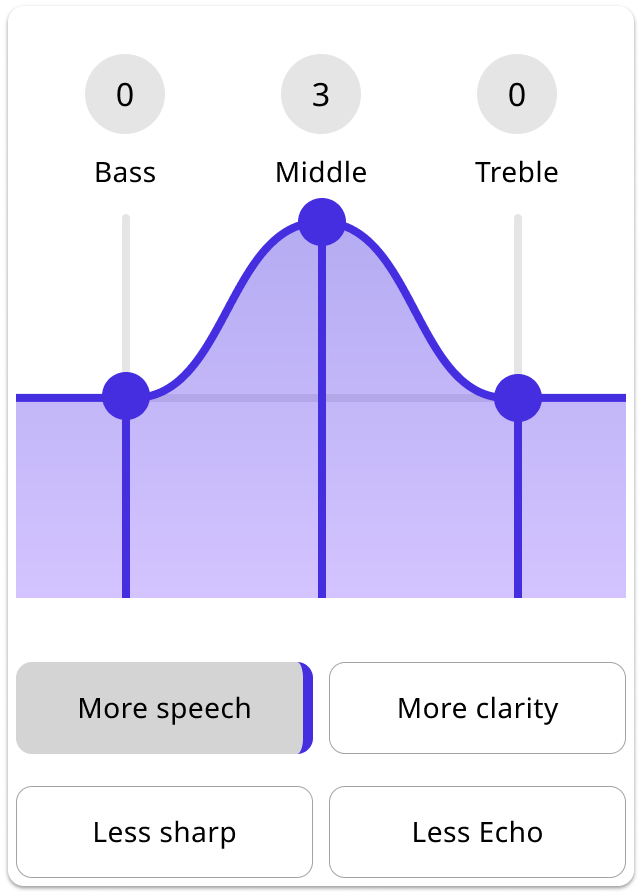
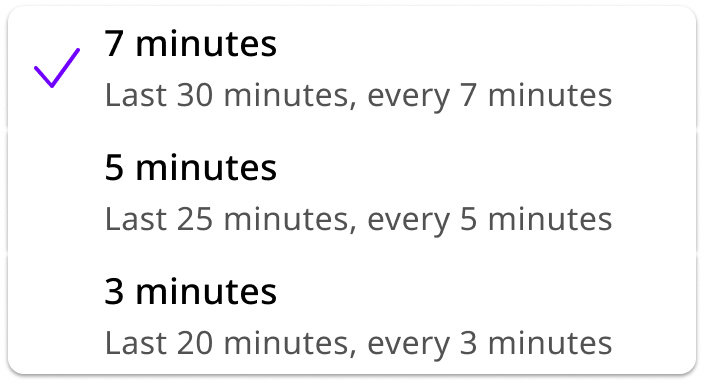


The design challenge was making audio tuning legible to someone who isn’t an audiologist, while staying accurate enough that hearing care professionals would trust it.
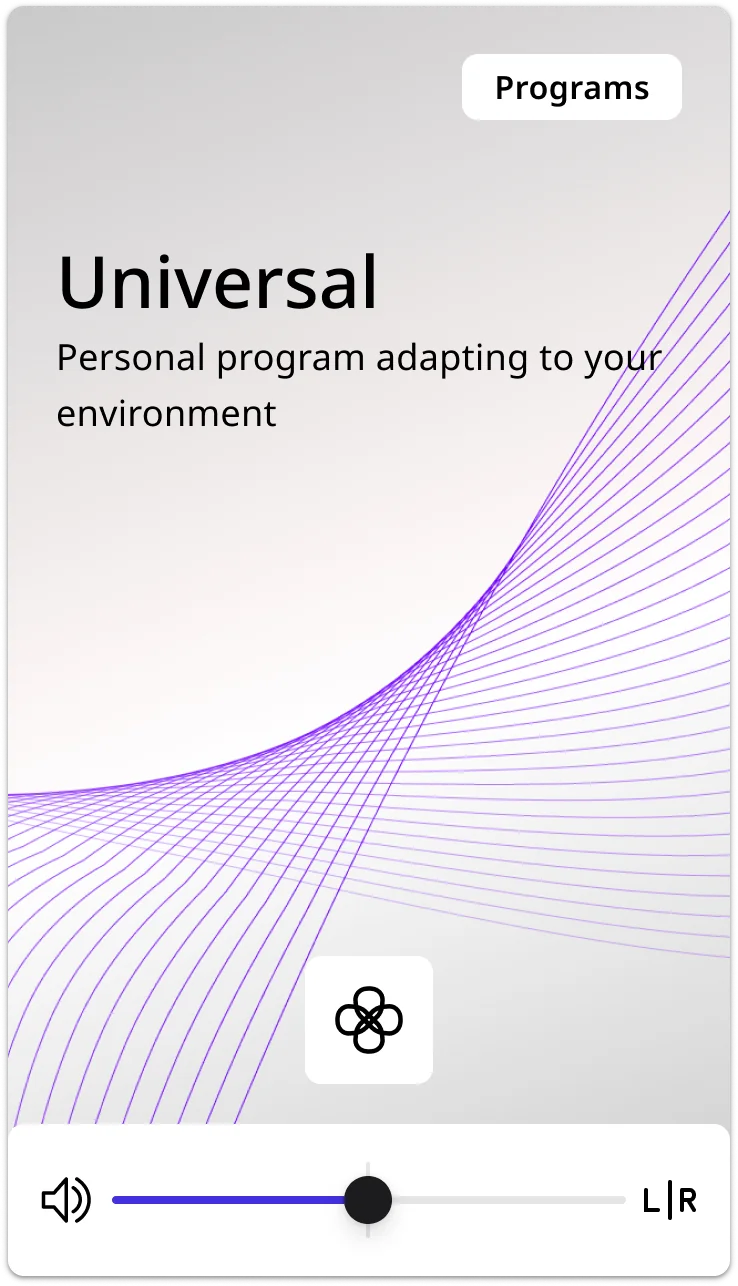
The component needed to hold both the interactive EQ controls and the preset selector in a single unit, and remain composable enough to be slotted into the bottom sheet without breaking its internal layout across LTR and RTL.
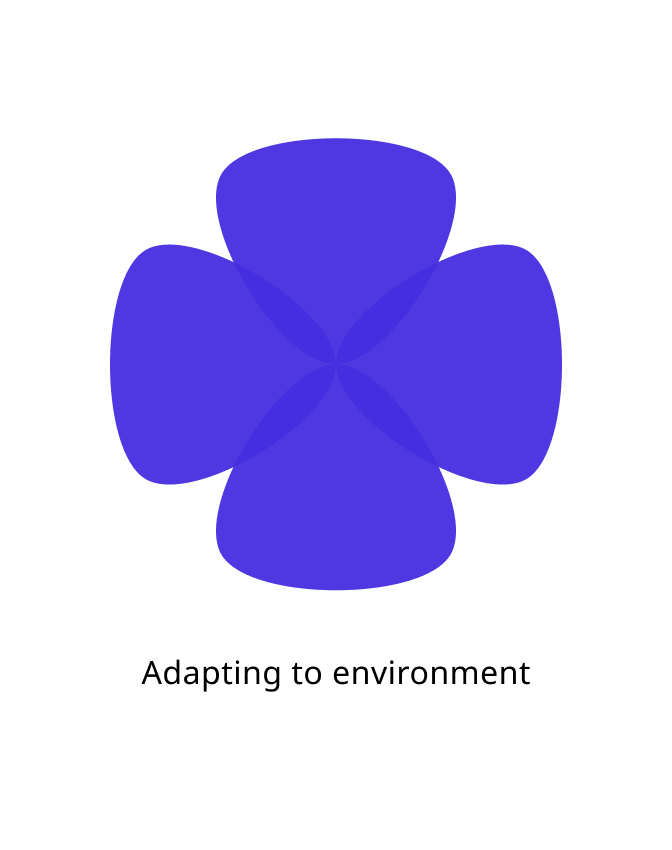
The component also had animation states: the wheel needed to transition between focus directions in a way that communicated spatial movement. Building animation into the component set meant defining every transition state as a discrete variant, so engineering had a clear spec for every keyframe rather than an implied interpolation. The range of positions, from concrete directions like Front and Back to abstract adaptive modes like None (Adapting), meant the visual design had to hold across very different semantic meanings without the icons losing meaning.
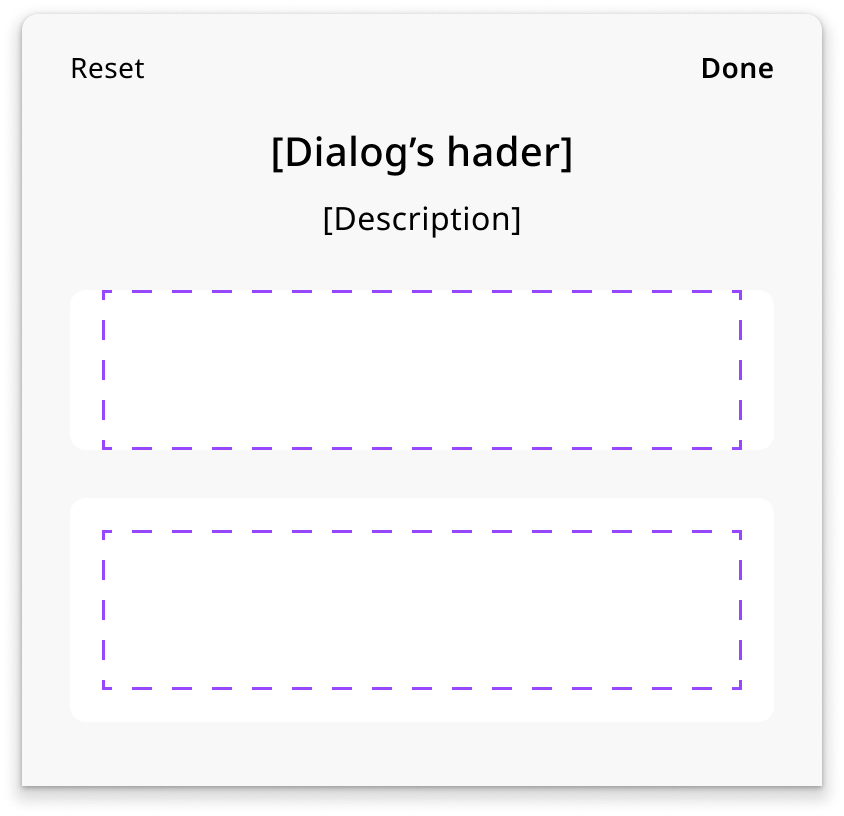
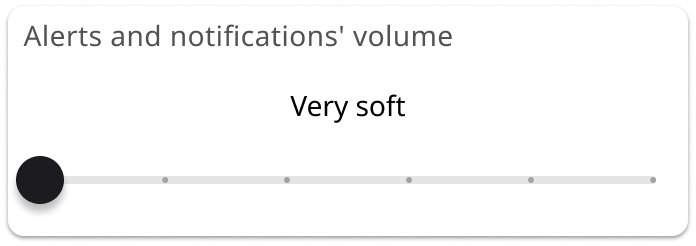
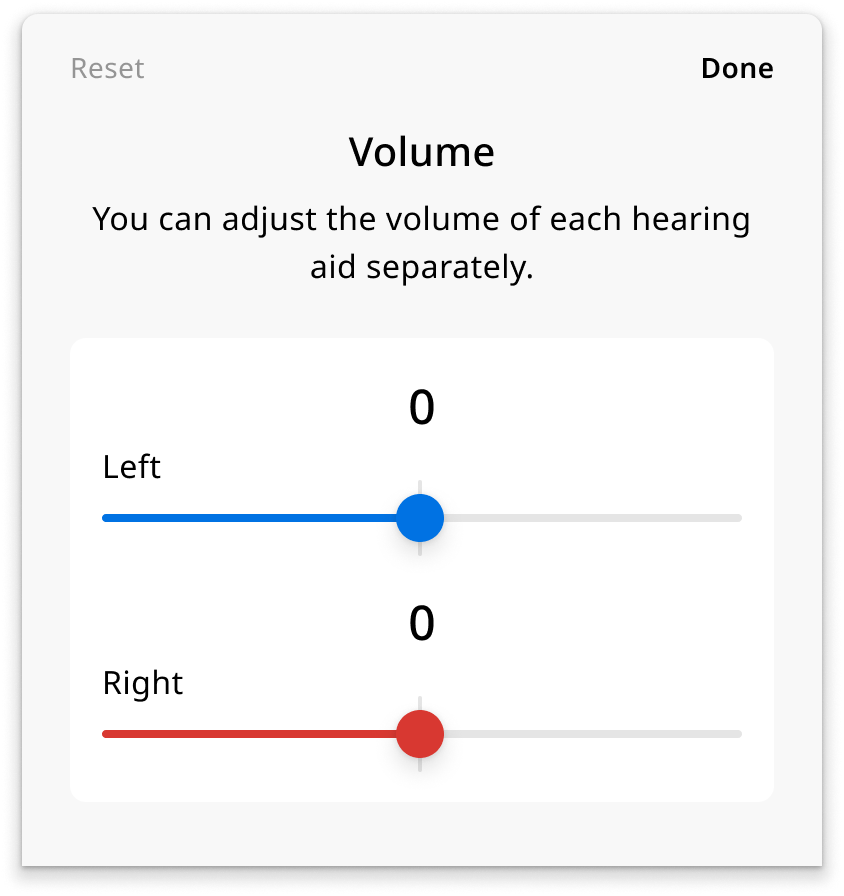
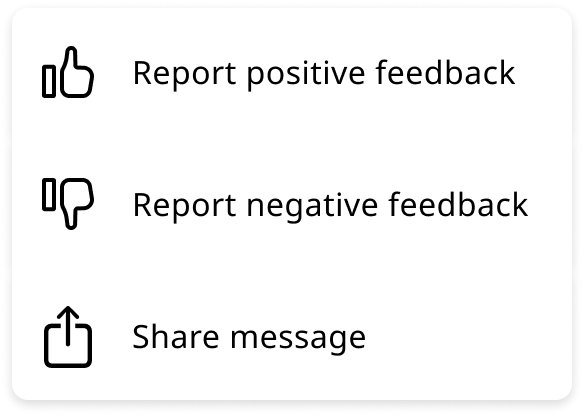
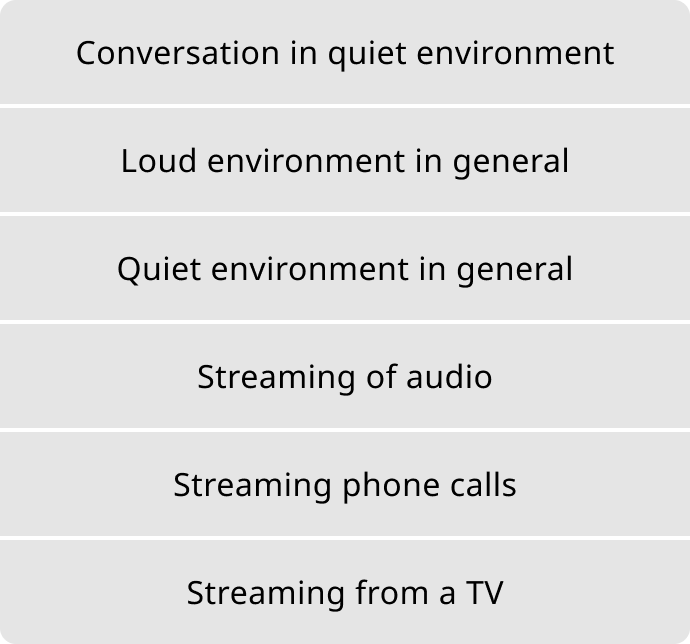
The bottom sheet is a shell: Sheet header, Content container, and Additional actions. The content container is a slot that accepts different content types as swappable component instances rather than duplicating the sheet for each use case.
This kept the bottom sheet as one maintained component instead of four diverging versions, and each slot became cleaner, more portable, and reusable in other contexts outside the sheet.
RTL support built in from day one
Arabic and Hebrew markets were in scope from day one, so:
- LTR and RTL states specced side-by-side as a single Figma component property
- Directional icons and language switcher positions flagged for mirroring
- String translation handled separately via the Phrase plugin, keeping layout logic and localisation decoupled
- Engineering received a single handoff artifact covering both directions, eliminating a separate design pass per feature
Accessibility built in
Our primary users are elderly people, often experiencing age-related hearing and vision loss, so accessibility was the baseline.
What was built in
- Color contrast verified at WCAG 2.1 across every component state
- Touch targets enforced at minimum 44×44pt
- No state relies on color alone: every state includes a secondary signal (icon, label, or pattern)
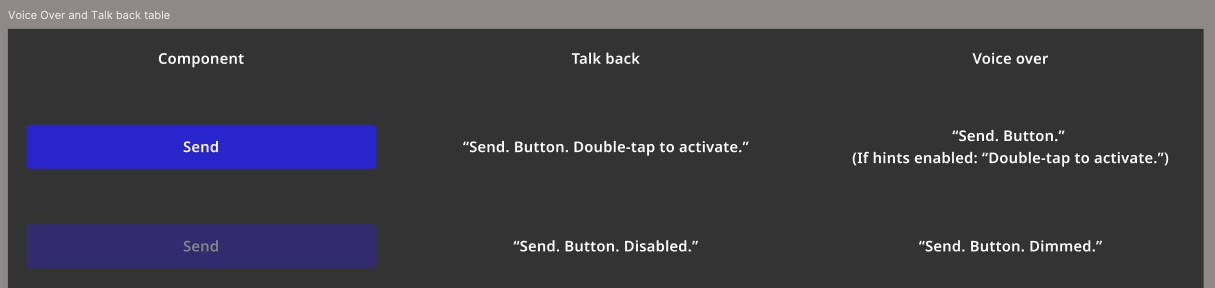
- Figma annotation layer for VoiceOver and TalkBack read-order, later adopted as the standard by all 10 designers on the WSA design team
- Haptic feedback documented for iOS and Android in specified components
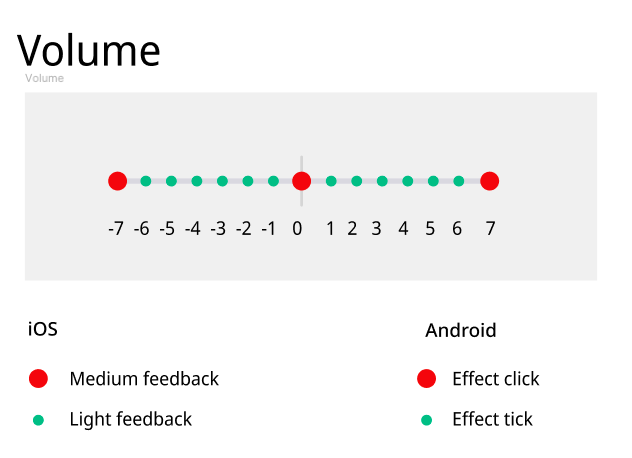
Delivered
- Brand theming under a day: Theming a brand used to mean building its component variants by hand, up to three days per brand. With the tokens carrying it, that dropped to under a day.
- One handoff per feature: Handoffs went from two per feature, one to present the component and one to review it built in, down to one, the feature itself.
- Multi-brand support: Single token structure for 3 main brands, 10+ private labels, and a white label app.
What I’d do differently
Earlier engineering alignment on token naming
The naming structure I defined was logical to designers, but engineering had their own conventions on iOS and Android. Agreeing on names earlier would have cut the rework at handoff.
A living documentation layer from the start
As the system grew, new contributors needed onboarding material. A Figma page or external site surfacing token values, usage examples, and do/don’t guidelines per component should have been built from the start.
The token architecture worked because it gave designers, engineers, and product teams a shared language for decisions that would otherwise drift per feature.